Student learning dashboard
Practise skills, track detailed analytics, earn rewards, and decorate your MaltiXL home. The analytics page now gives a fuller student summary.
Student Summary
Track strongest skills, recent activity, and overall progress.
Recent skill progress
| Skill | Category | Questions | SmartScore | Last practiced |
|---|
Best skills mastered
How you can support progress
Daily practice
Build streaks and finish SmartScore 100 in more skills to grow faster.
Review weak spots
Use the Review page to revisit incorrect questions and tips.
Spend rewards
Use coins in the Shop to unlock decorations and customise your Home.
Cloud save
Use Cloud sync so your progress can load again on another device.
Areas to focus on
Category progress
Achievements
Maltese lessons
Choose a group, practise a lesson, and push every SmartScore to 100.
Recommended next lessons
These are picked from low SmartScores and lessons you have not mastered yet.
MaltiXL Games
Play Maltese mini-games to practise words, typing, and memory in a fun way.
Skill mastered!
Recommended
Review your weak spots
MaltiXL Shop
Buy themes and decorations like the Maltese Cross. Then place them inside your Home.
Themes
Decorations
Player Gear
Create custom stuff
Create your own decoration for 75 coins. You can use an emoji or upload a transparent PNG/WebP AI image.
Your custom items
Your Home
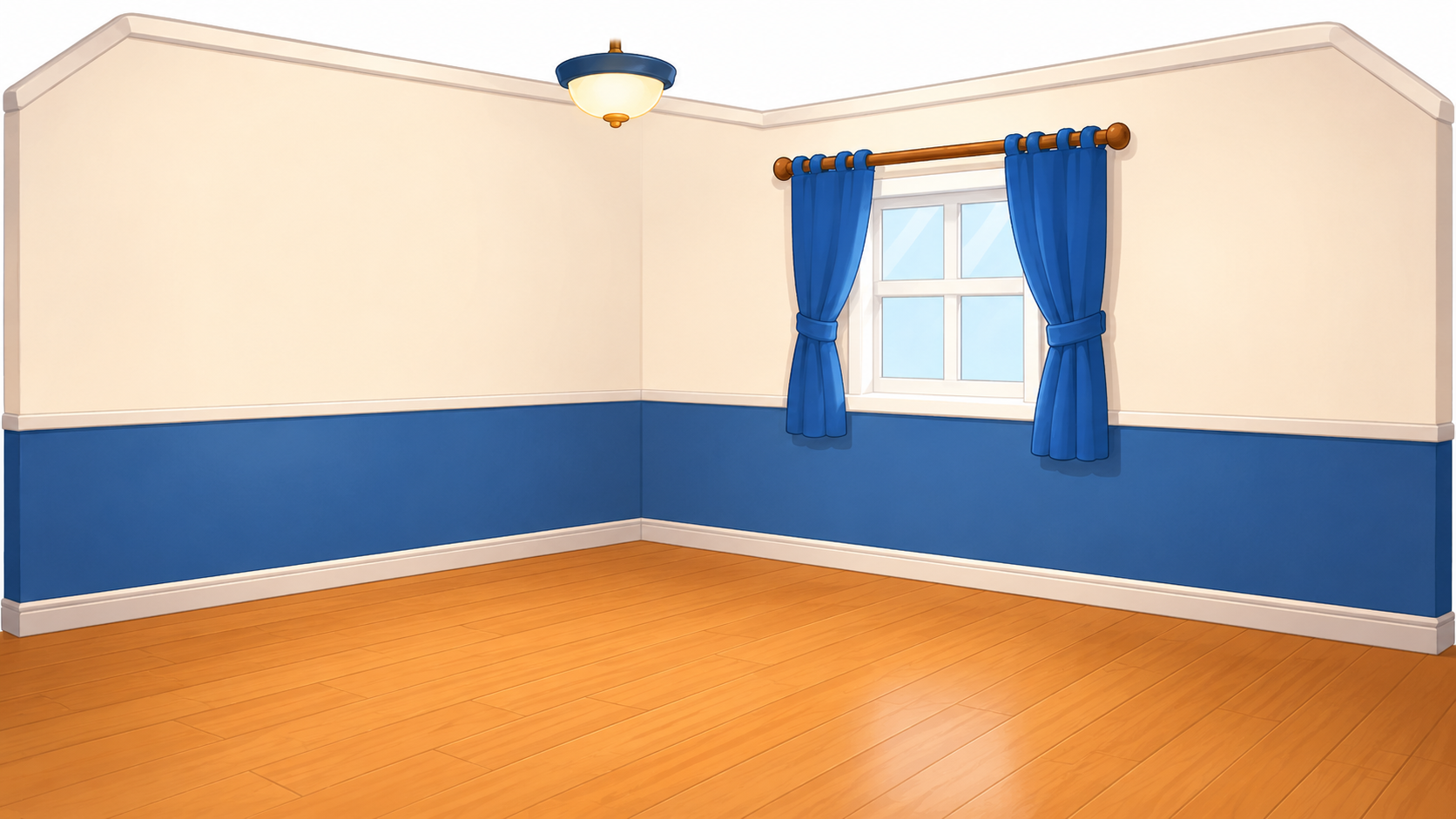
Pick an owned decoration and place it in your house. Drag placed items to move them.
Decorate your MaltiXL house
Tap “Place in home” to add an item. Drag it anywhere inside the room. Double-click an item to remove it.
Your Player
Buy gear in the shop, then equip it here to decorate your player.
Player inventory
Equip one item per slot. You can swap items anytime after buying them.
Cloud Save
Your app saves locally automatically. Use these buttons to push or pull from Supabase.